
Design in Canva. Publish in Ambassify.
Create, edit and import campaign visuals with the Canva integration. No downloads, no re-uploads, no wrong image sizes.
🔔Early bird offer
Activate Canva until November 2026 and get one month free.
Claim the early bird offer










Skip the download and re-upload
Most teams already create their visuals in Canva. Getting them into a campaign used to mean exporting, downloading and uploading again, often in the wrong size.
Now there's a Design with Canva button right in the campaign builder. Pick a design, adjust it, and it lands in your campaign ready to share. Better visuals, less effort, and content your ambassadors are happy to put their name on.

How it works
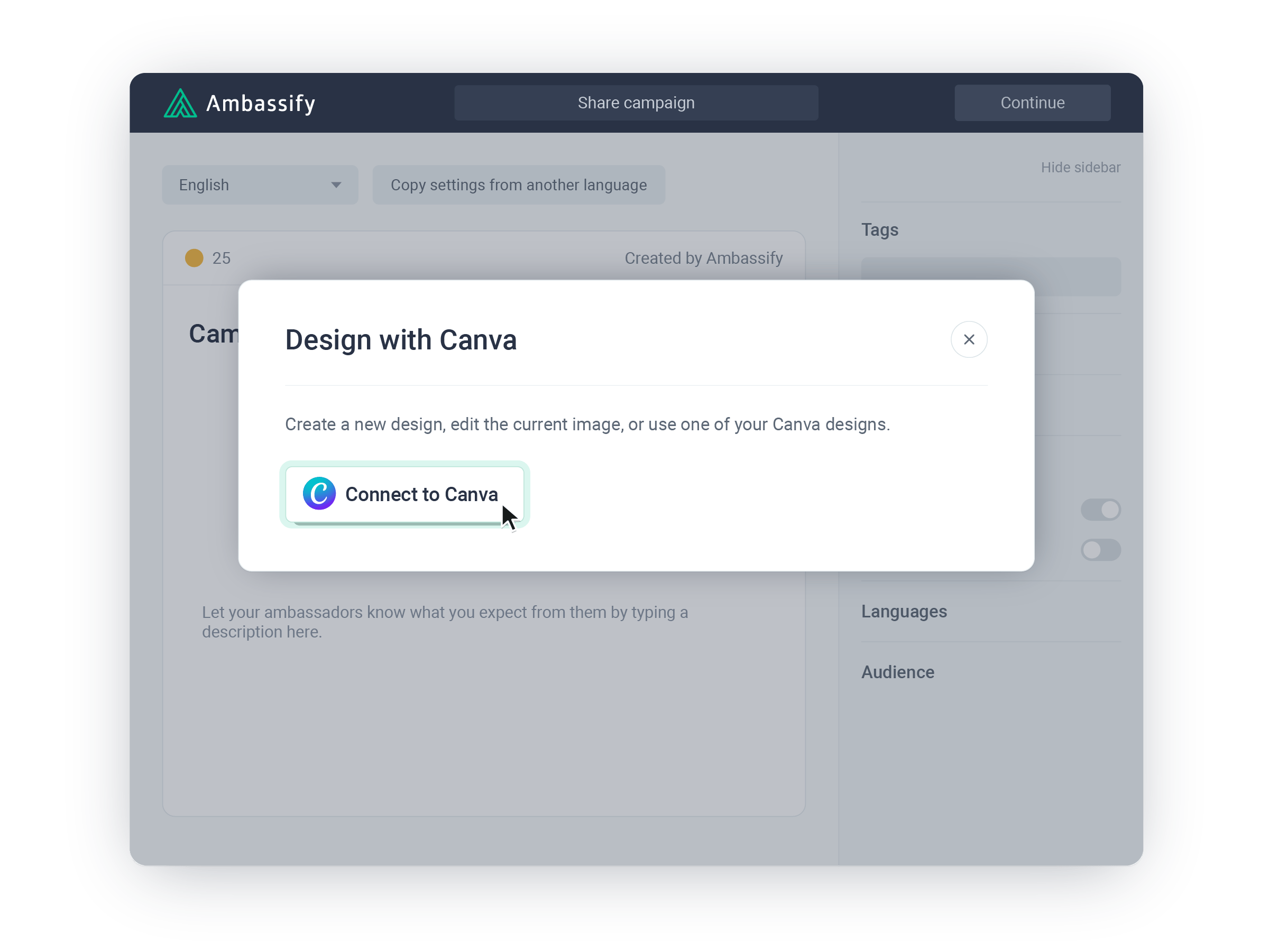
Click Design with Canva in the campaign builder and log in to Canva once.
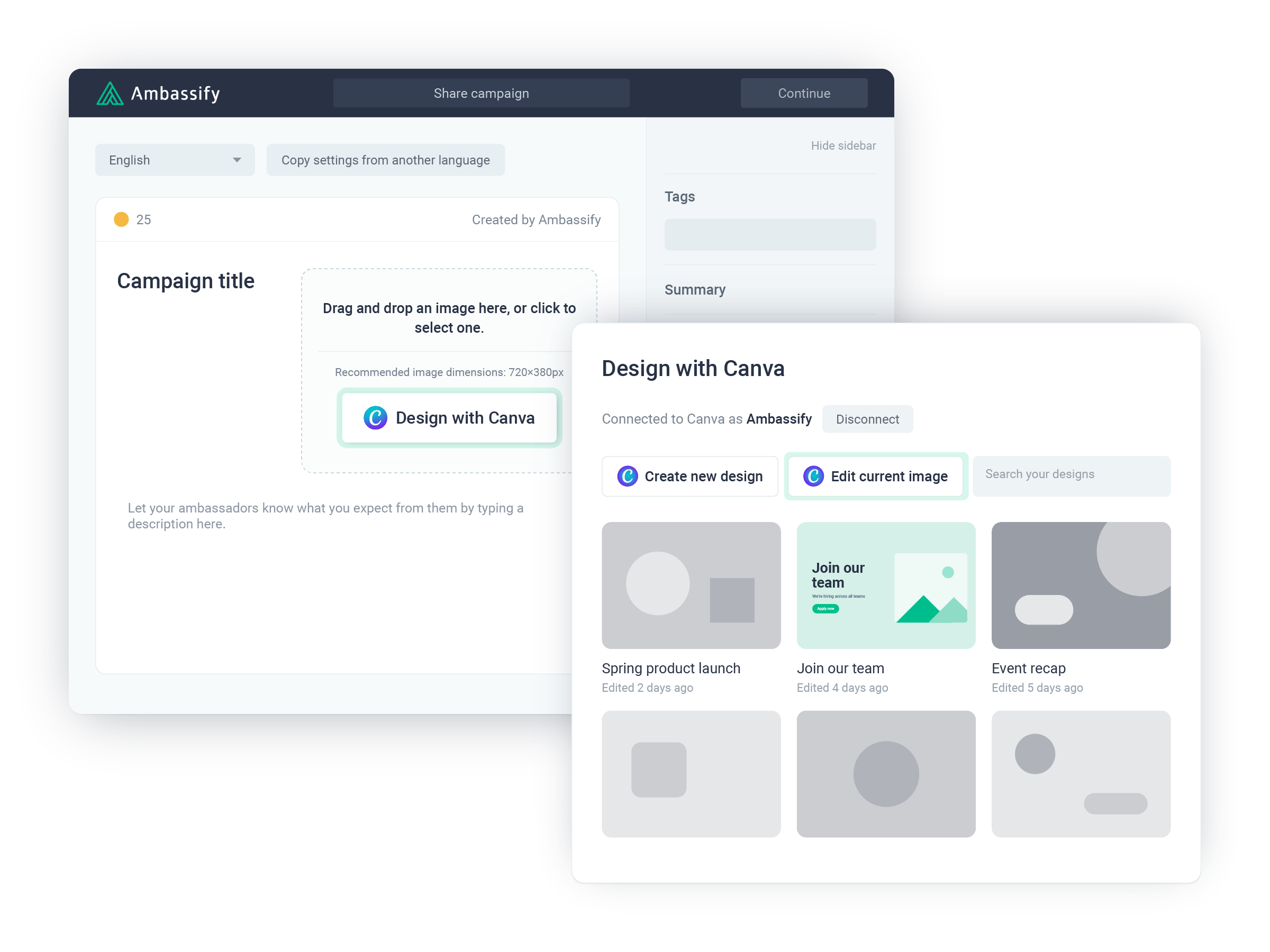
Search your existing Canva designs, or start a new one already sized for your community.
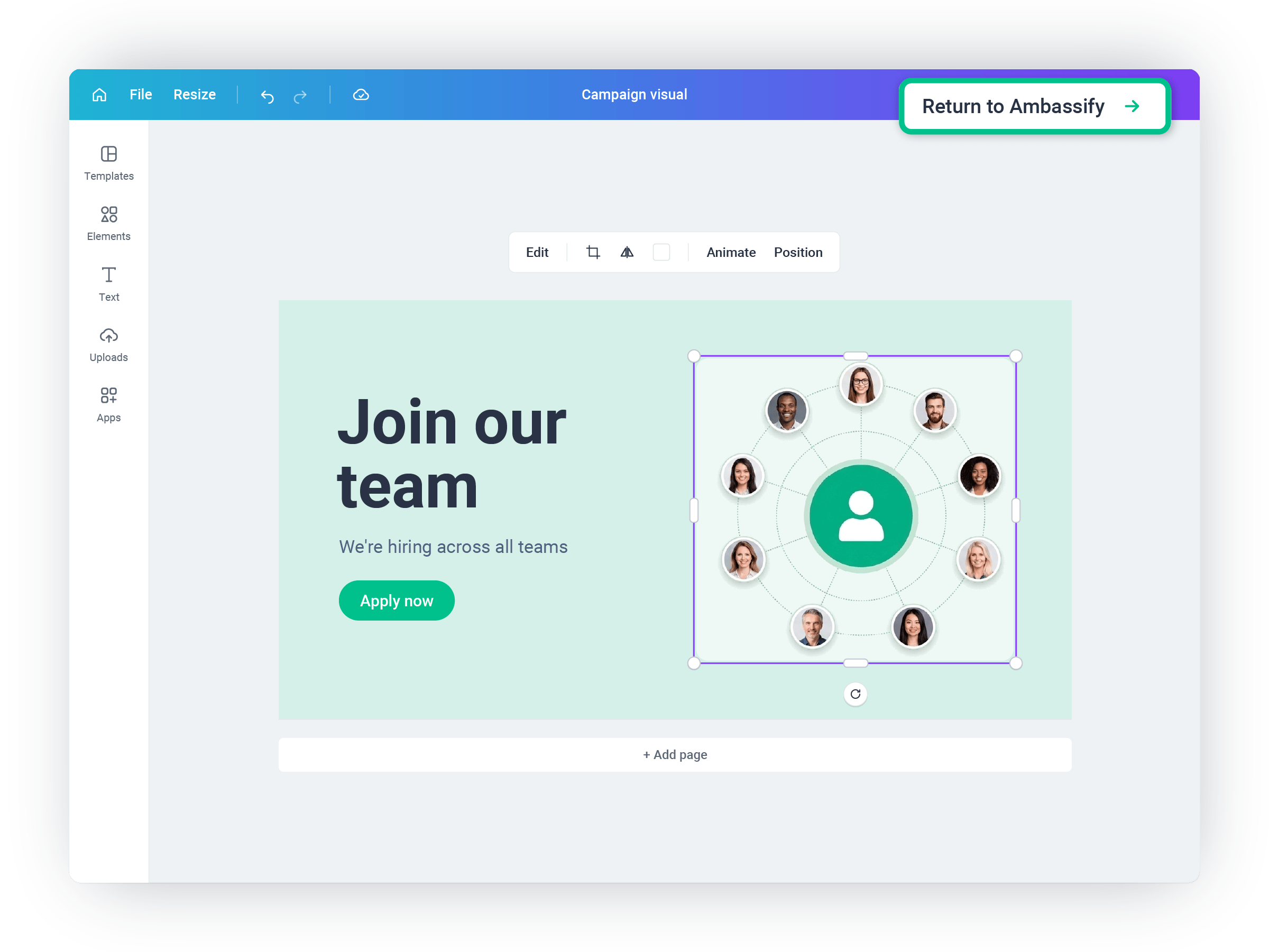
Change text, colors, images or layers with all of Canva's tools.
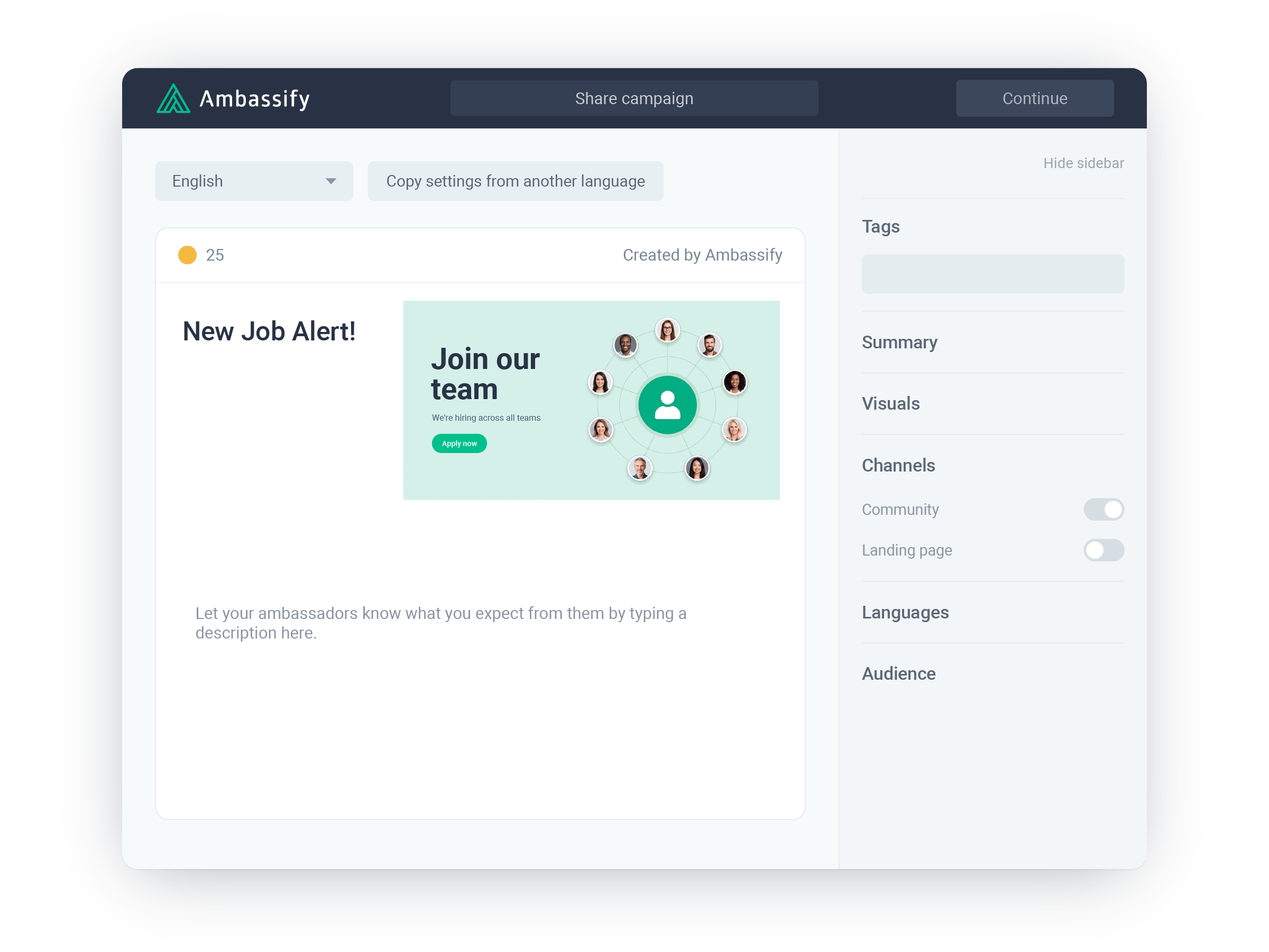
One click sends the finished visual back into your campaign.

Use your existing designs
Browse and search your Canva designs, then import one in a click.

Start at the right size
New designs open in your community's image ratio, so nothing gets cropped.

Edit any campaign image
Open an image that's already in your campaign in Canva, even if it wasn't made there.

Keep every layer
Existing Canva designs open with all their layers, not as a flat image.

No more file juggling
No exporting, downloading or re-uploading between tools.

Right where you need it
Design with Canva sits next to your campaign visual in the campaign builder.

Microsoft Teams
Integrate your Ambassify community within the Microsoft Teams desktop, mobile, and web apps for seamless access and regular engagement.

Zapier
Zapier lets you connect Ambassify with 6,000+ of the most popular apps, so you can automate your...

Strava
Ambassify integrates with Strava to track individual activity in the platform to work toward and...